


Stelo Features
Stelo includes many features for the development, management and administration of Fiori app processes.

Process Development
Stelo functionality for developers includes:
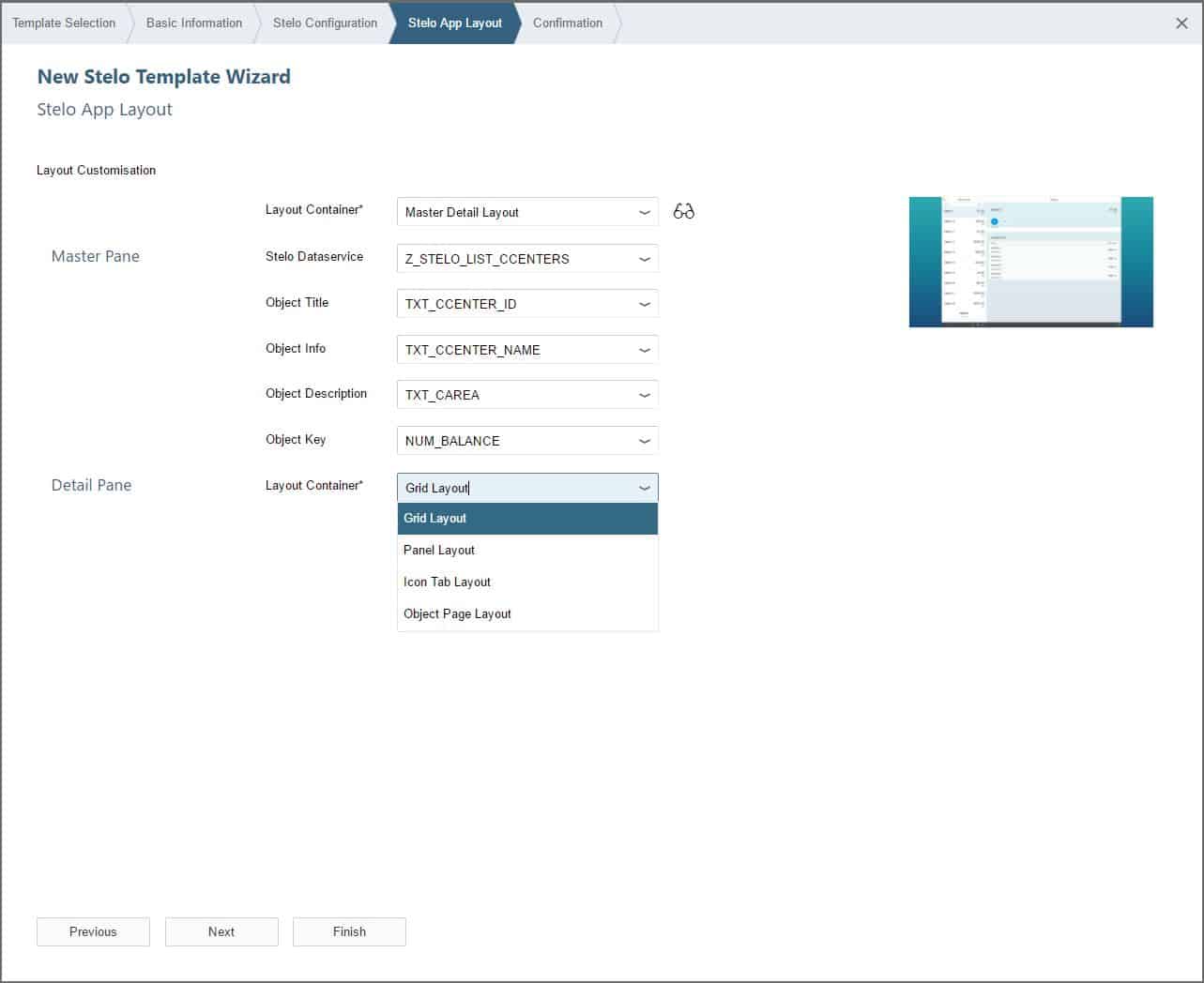
- App creation wizard, auto-generation of Fiori app. 5 template layouts are supported:
- Grid Layout
- Panel Layout
- Icon Tab Layout
- Object Page Layout
- Master–Detail Layout
- Automatic generation of process-specific user-exits for addition of business logic.
- User-exits for data services to support data population, drop-down lists, data validation and workflow.
- Easy framework to plug-in functions to update SAP; handling to complex, related postings.
- Transport wizard for the automatic collection of all relevant configuration and workflow objects into customizing and workbench requests.
- Automatic integration with SAP Gateway for data transmission
- Pre-delivered handling for app attachments, automatically saved to the SAP Content Server.
- Out-of-the-box support for Save As Draft functionality.
- App data view to enable easy troubleshooting
- Code-free e-mail notifications
- Integration with Varo, Aquiller and Floe
- Pre-delivered ‘launcher’ views for easy searching

Process Management
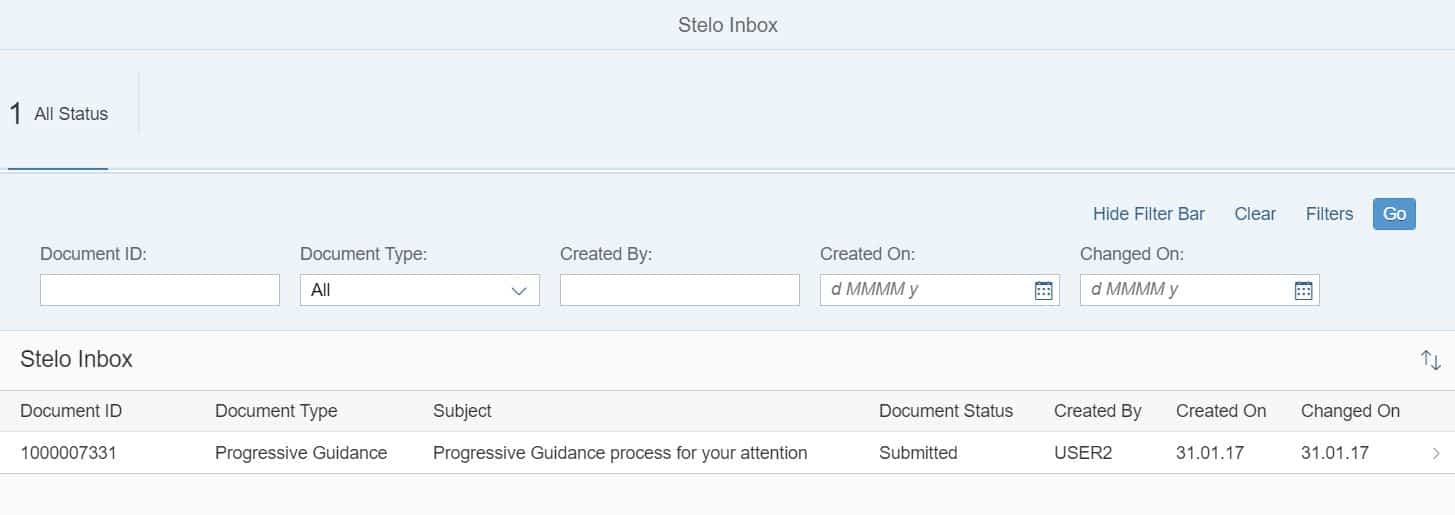
- Stelo Inbox
Stelo includes an Inbox app through which users can access work in progress for multi-step / approval scenarios.
The Stelo Inbox is a Fiori app which can be used for accessing requests for approval, re-submission, or as part of a multi-step process.
It can be deployed multiple times with a built-in filter to provide individual request approval apps with no additional development effort. Stelo apps can also be integrated with the SAP Fiori Inbox app. - Save As Draft
Stelo apps can be optionally configured to support Save As Draft functionality, and to automatically include a view to access previously saved app data. This can be useful for data collection scenarios involving large numbers of fields. - App History
Stelo apps can be optionally configured to include an App History view, which enables the user to view all their previously submitted data. - Routing server
Stelo includes a ‘Routing Server’ which supports business logic for reminders and escalations for multi-step processes.

Administration
There are a range of tools and functionality to help administer Stelo processes. These include:
- Stelo Dashboard
The main administration tool is the Stelo Dashboard. This is a SAP Fiori app to enable an administrator to view all the work in process and see the current owner, status and other metadata. Through the Stelo Dashboard an adminstrator can drill down to view the data content of each app document. - History
The history report is a back-end report which enables an administrator to view the history of all the app submissions. - Audit Trail
Since Stelo captures the data content at each step of the process, an Administrator can not only see the form history, but also the field-level audit trail. - Posting Engine
The Posting Engine normally is run using a series of background jobs, but in addition, the posting engine can be accessed by an administrator to check what updates are to be done, what were successful, and re-try and updates in error. - Posting Log
Using the Posting Log an administrator can see messages for all successful posting and any issues with updates.